Portable Monitor Guide for Remote Work Setup

You often rely on a single laptop screen to handle work, communication, and entertainment. That limitation slows you down, especially when multiple tasks demand attention at the same time.
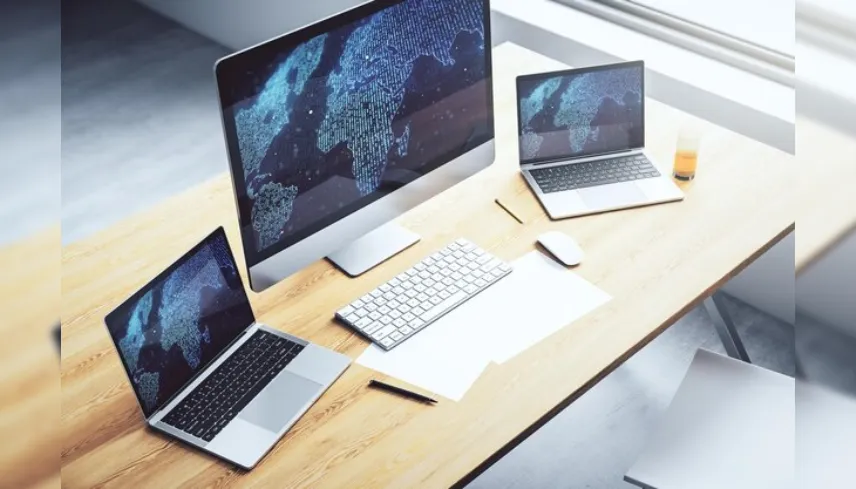
You often rely on a single laptop screen to handle work, communication, and entertainment. That limitation slows you down, especially when multiple tasks demand attention at the same time. Switching between tabs, resizing windows, and losing track of information becomes part of your routine.
A portable monitor offers a practical solution by giving you an additional screen without adding bulk to your setup. You can extend your workspace anywhere, whether you are working from home, traveling, or setting up a temporary workstation. This added flexibility improves how you manage tasks and consume content.
Brands such as UPERFECT provide portable monitors with detailed specifications, including Full HD, 2K, and 4K displays. Their products also include touchscreen options, USB-C and HDMI connectivity, and designs built for mobility. You gain access to a second screen that supports productivity, gaming, and everyday use without relying on a fixed desktop environment.
Understanding how these monitors work and what features matter helps you make better decisions when upgrading your setup.
Why a Portable Monitor Improves Your Setup?
Your workflow depends heavily on how efficiently you can manage information on your screen. A single display limits your ability to multitask. When you add a portable monitor, you create a more organized and functional workspace.
You can:
- Keep reference material open on one screen
- Work on documents or tasks on another
- Attend meetings while managing notes simultaneously
This arrangement reduces distractions and allows you to focus on completing tasks faster. If you travel frequently, the ability to carry a second screen ensures that your productivity remains consistent.
What Defines a High-Quality Portable Monitor?
A portable monitor should combine performance with convenience. The right balance ensures that you benefit from both visual quality and ease of use.
Display Quality and Resolution
Portable monitors come in different resolutions:
- Full HD (1080p) for general tasks
- 2K for improved clarity
- 4K for high-detail work such as editing or design
Higher resolution enhances visual sharpness and provides more screen space for detailed work.
Connectivity Options
Most models support:
- USB-C connections for video and power
- HDMI or mini-HDMI for broader compatibility
Many monitors work with a simple connection, although some setups may require an additional power source depending on the device.
Portability and Build
You benefit from:
- Slim and lightweight designs
- Easy transport in bags or backpacks
- Flexible usage in different environments
Device Compatibility
Portable monitors often connect to:
- Laptops
- Smartphones with video output support
- Gaming consoles
- Tablets
Compatibility depends on your device’s ports and capabilities.
Key Features That Enhance Daily Use
Portable monitors include features that improve both functionality and comfort.
Touchscreen Capability
Certain models allow direct interaction with the display. You can scroll, tap, and navigate efficiently, which is useful for presentations and creative work.
Audio Support
Many monitors include built-in speakers. These are suitable for casual media use, meetings, and basic audio needs.
Eye Comfort Features
Extended screen usage can cause fatigue. Some monitors include low blue light settings and anti-glare surfaces to improve comfort during long sessions.
Gaming Support
While not all models focus on gaming, some offer higher refresh rates such as 120Hz or above. These models provide smoother visuals when connected to gaming consoles or PCs.
Understanding Practical Use Cases
A portable monitor fits into various aspects of your routine.
Work and Productivity
You can create a dual-screen setup that supports:
- Data analysis
- Writing and editing
- Communication alongside active tasks
This reduces the need to switch between windows and improves efficiency.
Travel and Mobility
Carrying a second screen while traveling helps maintain your workflow. You can work from hotels, shared spaces, or temporary setups without losing functionality.
Entertainment and Gaming
Connecting a console or laptop allows you to enjoy a larger display. This improves your viewing experience compared to smaller built-in screens.
Choosing the Right Portable Monitor
You should evaluate your needs before selecting a model.
Screen Size
- Around 15.6 inches offers balance between portability and usability
- Larger sizes provide better visibility but may reduce portability
Resolution Preference
- Full HD works for everyday tasks
- 4K suits detailed work such as editing or design
Touchscreen Requirement
Touchscreen models add convenience, while non-touch versions are often simpler and lighter.
Connectivity Needs
Ensure that your device supports USB-C or HDMI output. This determines compatibility.
Refresh Rate Consideration
Higher refresh rates are useful if you plan to use the monitor for gaming.
UPERFECT Portable Monitors
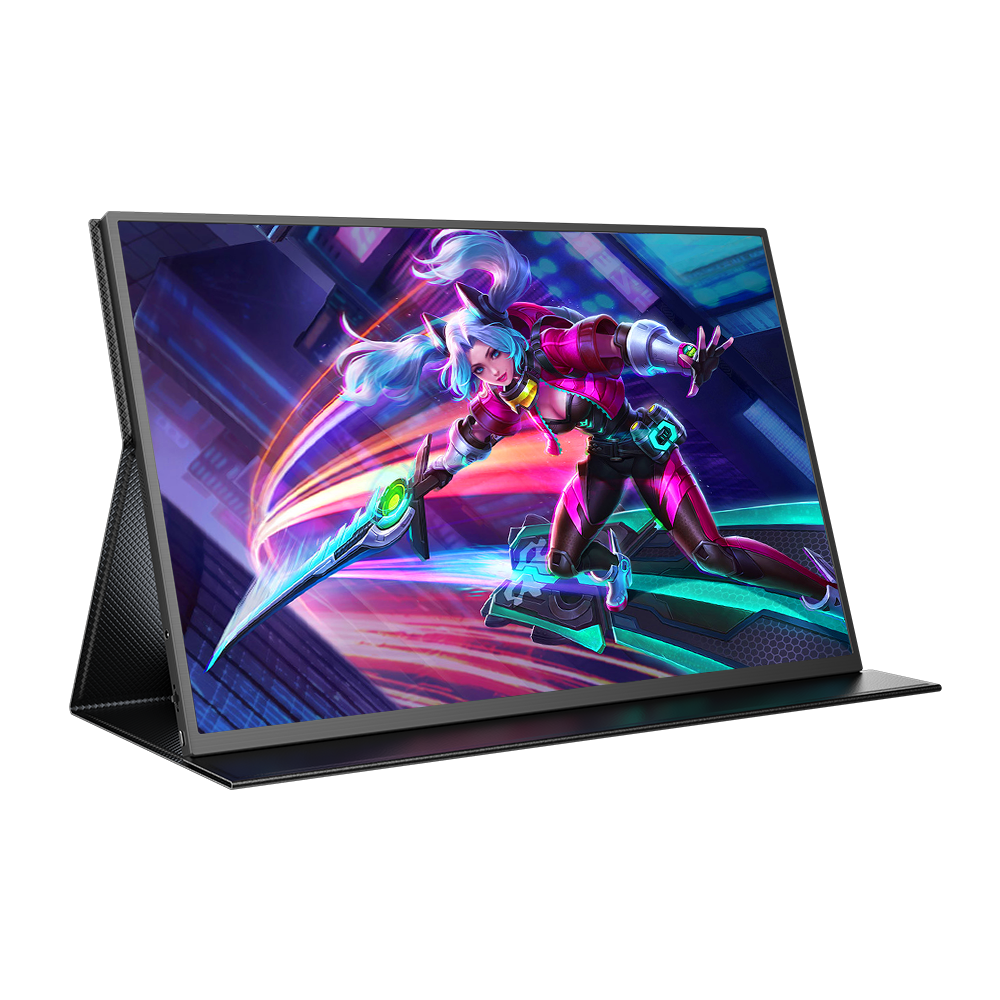
When evaluating options, UPERFECT offers a wide range of portable monitors designed for different use cases.
Their collection includes:
- 15.6-inch Full HD portable monitors suitable for everyday productivity and travel
- 4K portable monitors designed for high-resolution tasks such as content creation and detailed viewing
- Touchscreen portable monitors that support interactive navigation
- Gaming-oriented models with higher refresh rates for smoother visuals
These monitors typically feature:
- USB-C and HDMI connectivity for flexible setup
- Slim, lightweight builds for easy transport
- Compatibility with laptops, smartphones (with supported output), and gaming consoles
Some models may require external power for optimal brightness or performance, depending on how you connect them. This detail is important when planning your setup.
Their focus remains on providing portable display solutions that support both work and entertainment without requiring a permanent workstation.
Advantages You Experience
Using a portable monitor improves your workflow in several ways:
- You manage multiple tasks more efficiently
- Your workspace becomes more organized
- You reduce time spent switching between applications
- You gain flexibility to work or play from different locations
These benefits apply across professional and personal use cases.
Limitations to Consider
While portable monitors provide flexibility, you should keep a few points in mind:
- Screen size is smaller compared to traditional desktop monitors
- Some models depend on external power sources
- Performance varies based on the connected device
Understanding these factors helps you choose a model that meets your expectations.
Enhancing Your Digital Experience
Your screen setup directly affects how you work and interact with your devices. Adding a portable monitor allows you to expand your workspace without adding complexity or weight. You gain the ability to manage tasks efficiently, enjoy better visuals, and maintain productivity in different environments.
Brands like UPERFECT provide options that include high-resolution displays, flexible connectivity, and designs tailored for mobility. Their portable monitors support a wide range of uses, from professional work to gaming and entertainment.
When you select a portable monitor that fits your needs, you create a more adaptable and efficient workspace. This upgrade supports both your productivity and your overall digital experience.
Upgrade your setup with UPERFECT portable monitors. Enjoy better productivity, flexible connectivity, and travel-friendly dual-screen experience.
Recent Blogs
-

The Ultimate At-Home Soccer Training Setup: 3 Essentials Every Player Needs
-

Flawless Beauty Essentials: The Natasha Denona Products Worth Adding to Your Makeup Collection
-

The Secret to Invisible Underwear: Finding Styles That Disappear Under Clothes
-

Transform Your Sleep Experience with Origin Mattress
-

Minimal Effort, Maximum Elegance: The Power of Modern Knit & Pleated Silhouettes